 Launch & Growth Plan
A coffee-led kiosk that owns its customers
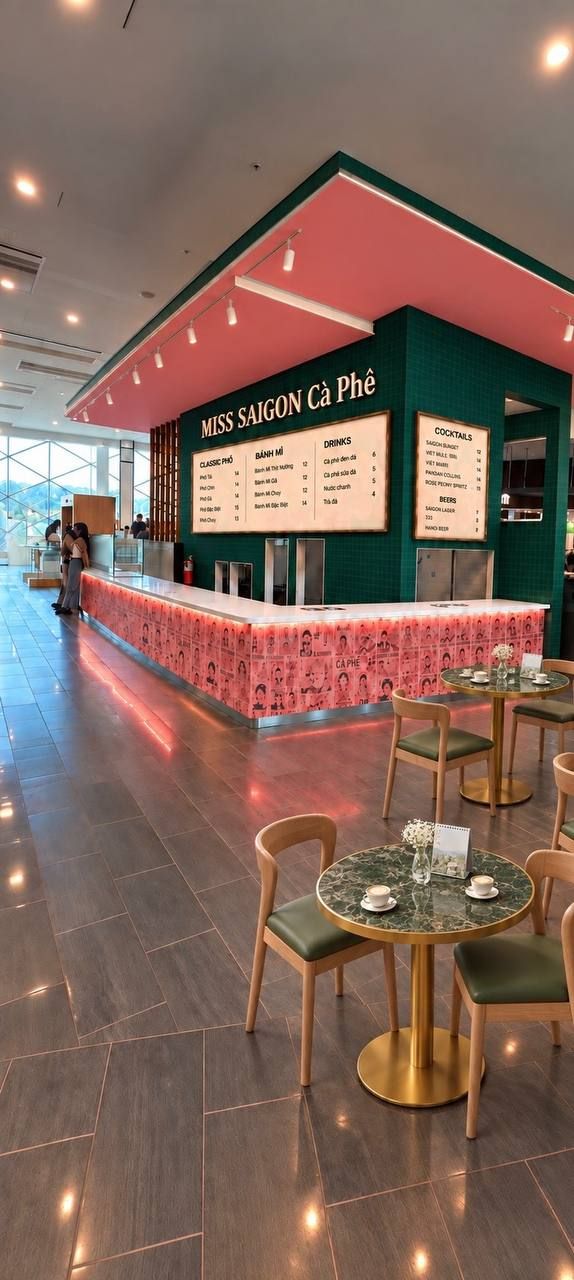
A Vietnamese coffee and bánh mì kiosk in King of Prussia Mall, one of the largest malls in the US. It uses the Miss Saigon branding but runs separately from the Philly restaurant, opens 15 November for the Christmas season, and is built from day one to become more than one store.
| What | Vietnamese coffee (cà phê sữa đá, cà phê đen, egg coffee, cold brew, phin) as the headline, with bánh mì — cold-cut classic and hot proteins — plus rice and vermicelli bowls, rice-paper rolls and sweets. Jimmy's menu sets the final list. |
| Where | King of Prussia Mall, 160 N Gulph Rd, King of Prussia, PA 19406 — a kiosk in a former juice-bar unit (unit and level TBC). All-electric, rollable equipment — no hood, no gas. Storage and prep room down the hallway. |
| Who | Suburban Asian families (Vietnamese, Chinese, Cambodian, Lao, Korean) who won't drive into the city for a proper bánh mì, and American shoppers who want the real thing. |
| Hours | Regular King of Prussia Mall hours — currently Mon–Sat 10 am–9 pm, Sun 11 am–6 pm, extended over the holidays. Verify before print. |
| When | Open by 15 November 2026 — in time for the Christmas season, when a mall this size is at its busiest. About seven weeks from today. |
| Who's building it | David (owner) and partners · Jimmy Fan (menu, training in Hanoi, coffee farm) · Comercii (brand system, packaging, website, customer systems). |
Why coffee leads
Coffee is a habit — several visits a week, quick on electric equipment, easy to carry round a mall. Bánh mì is the lunch reason and the thing people tell friends about. Together: a morning, a lunch and an afternoon.
Why own the customer
A kiosk sees thousands of passers-by and knows none of them; delivery apps take 15–30% and keep the customer. Here every order-ahead and every scan gives the shop a phone number, a basket and a visit date.
The list is the asset. It brings people back on a quiet Tuesday, shows what sells, and later shows a franchise partner numbers, not promises.
The plan in three layers
Capture — before 11/15
Order-ahead on our own site, membership via a QR on every sleeve, bag and wrap, and an Instagram launch kit.
The list, and using it — month one
One customer table with separate text and email consent, win-back messages, and a Telegram assistant for David.
Franchise readiness — designed now, built later
Records tagged by location, the playbook as a product, a brand-kit portal, per-store P&L, and beans as retail.
One look, everywhere a customer sees it
Everything is built around David's badge, so a cup, a website and a menu board feel like one place.
The logo
The badge is the primary mark — David's illustration, never restyled, always on a green, cream or pink plate, never straight onto a photo. Now rebuilt as a vector for print.
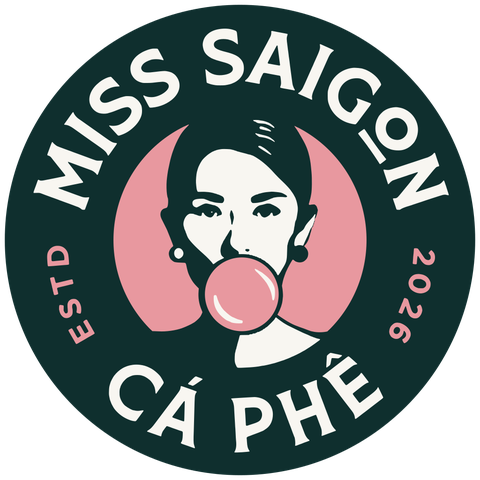
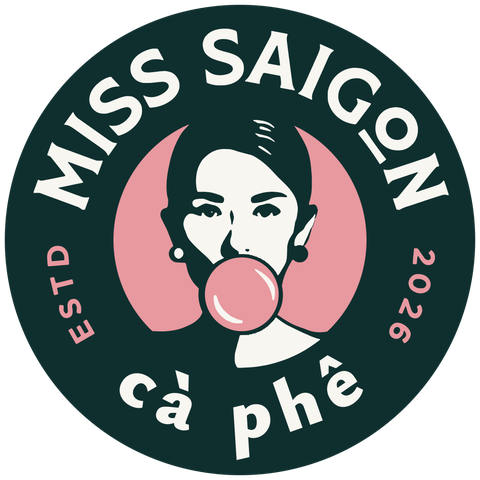
The name in type


Wordmark rule: "cà phê" is always lowercase with its accents — never "Ca Phe" or "CA PHE". Vietnamese words everywhere keep correct accents: cà phê sữa đá, bánh mì thịt nướng.
Colours
Primary — walls, headers, type
Pages, cards, cups
Accent — buttons, highlights
Thin lines and details only
Menu boards, price tags
Desserts, used sparingly
The balance: green and cream ~80%, pink the 15% accent, brass the 5% "jewellery".
Type and tone
Ysabeau Office for the wordmark, Outfit for web headlines, Be Vietnam Pro for text (every Vietnamese accent), a monospace for labels. Voice: playful, confident, short, warm — Saigon street café, not corporate.
Five website directions
All live at miss-saigon-caphe.comercii.io. David picks one; we polish it into the real site.
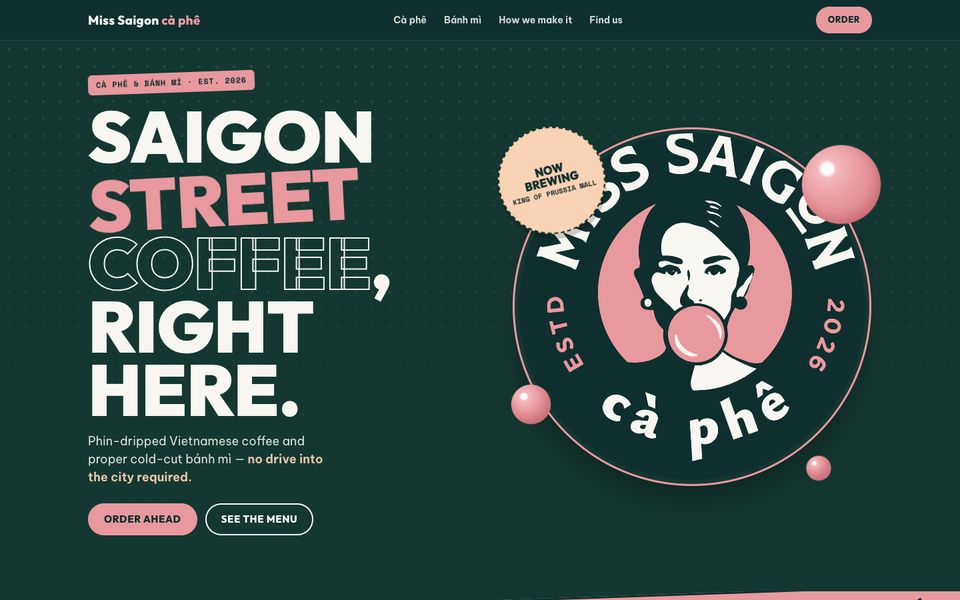
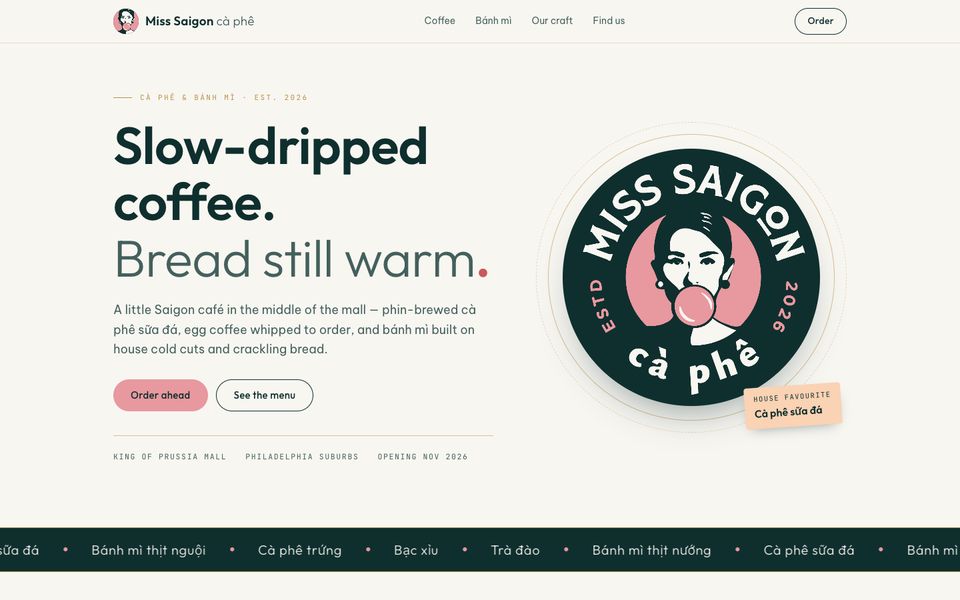
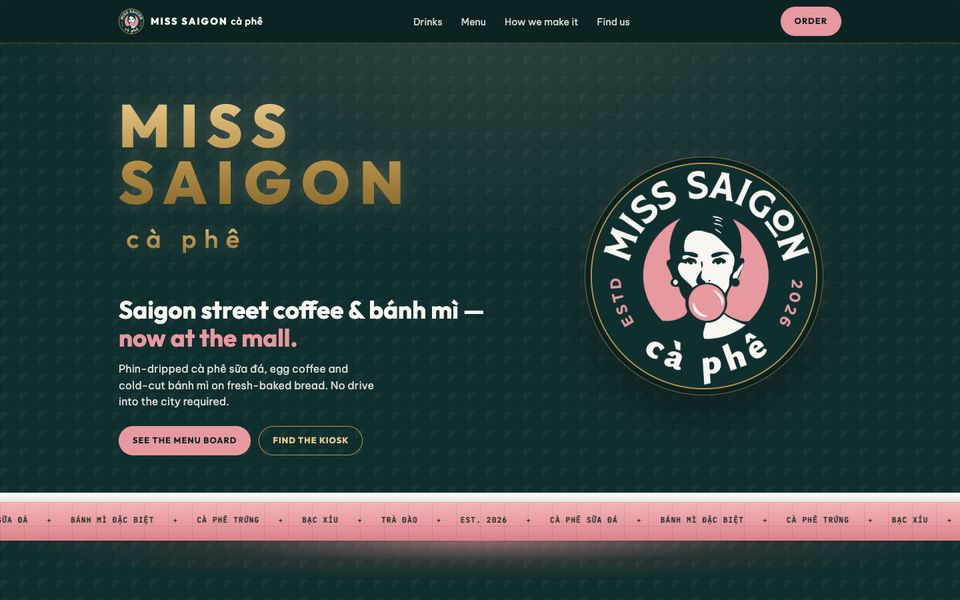
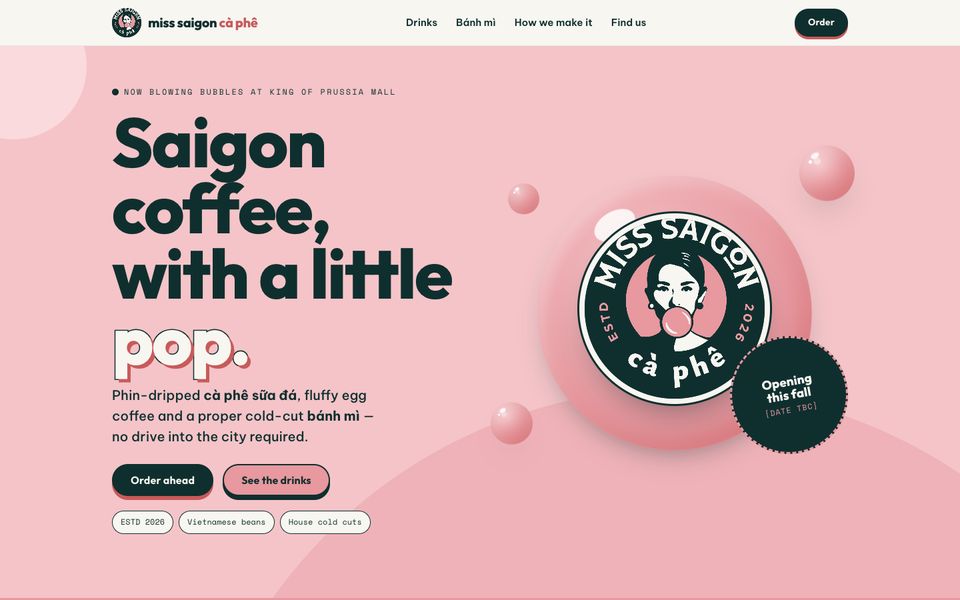
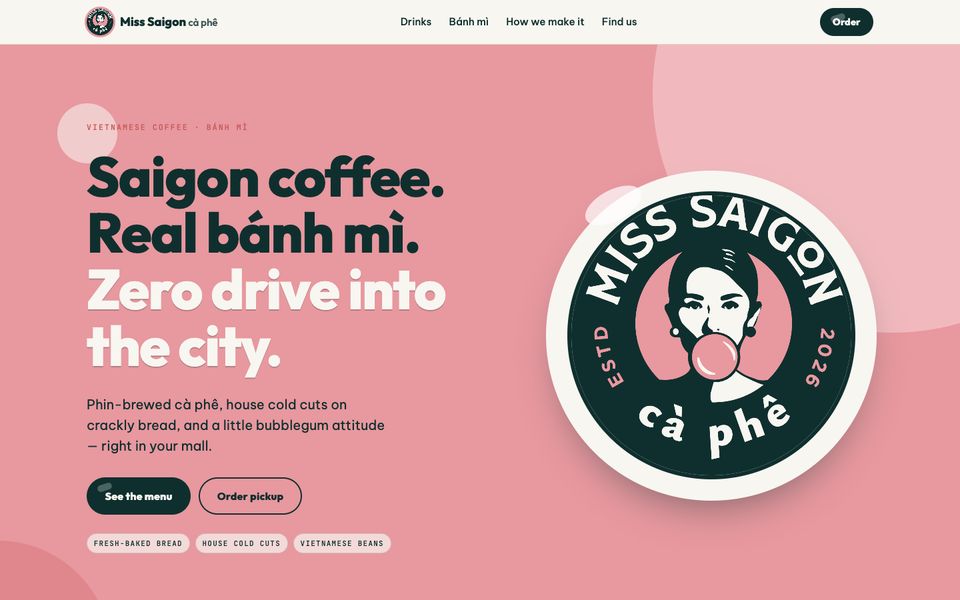
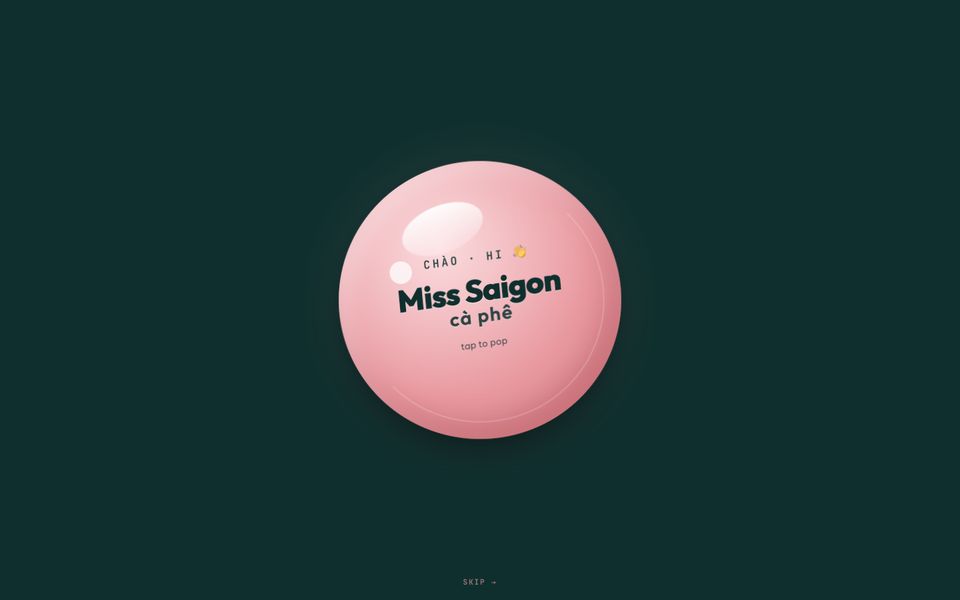
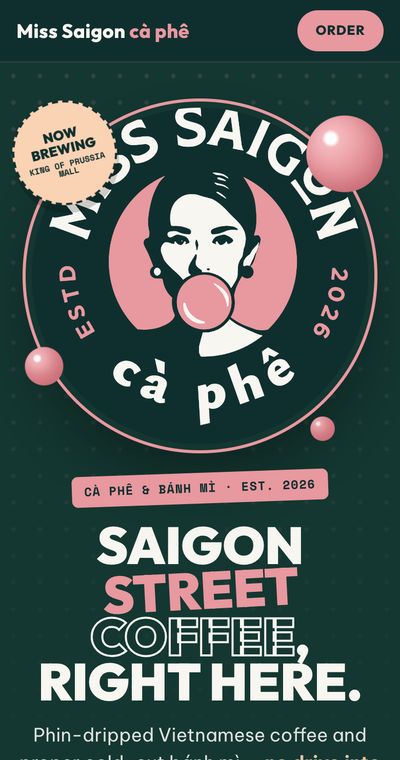
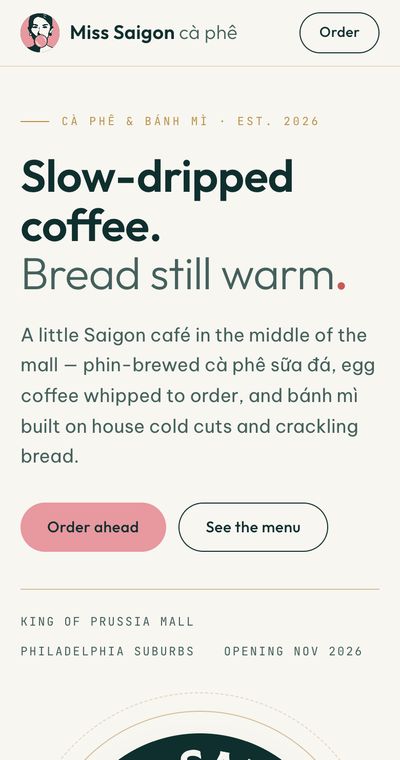
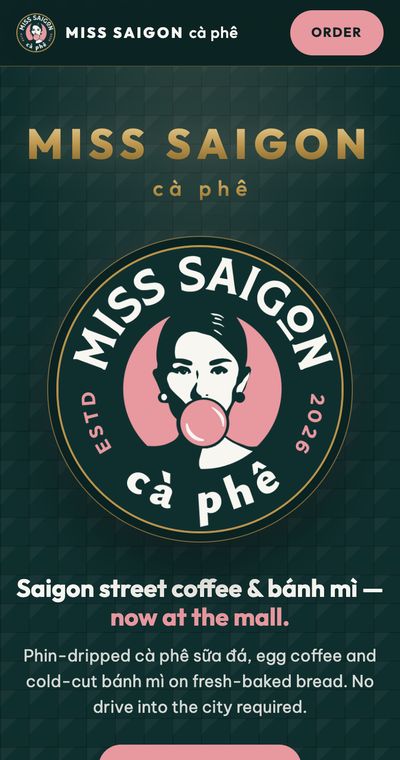
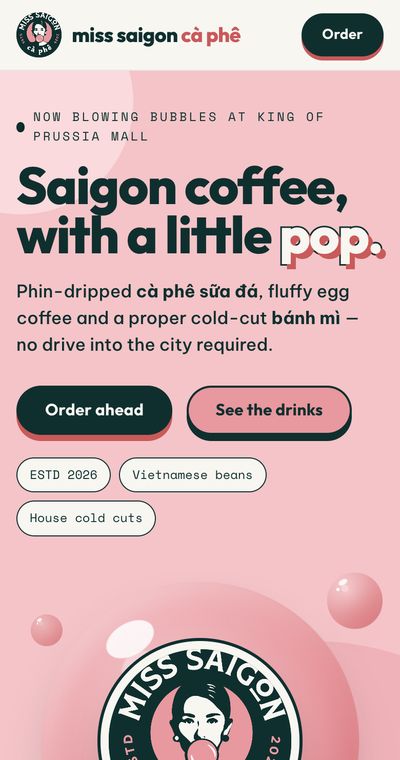
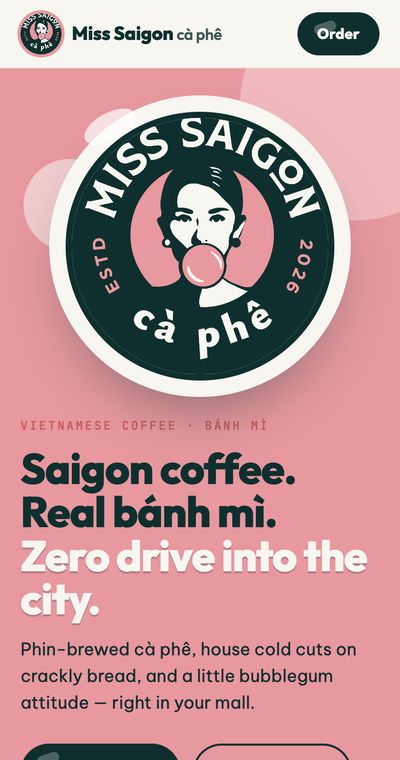
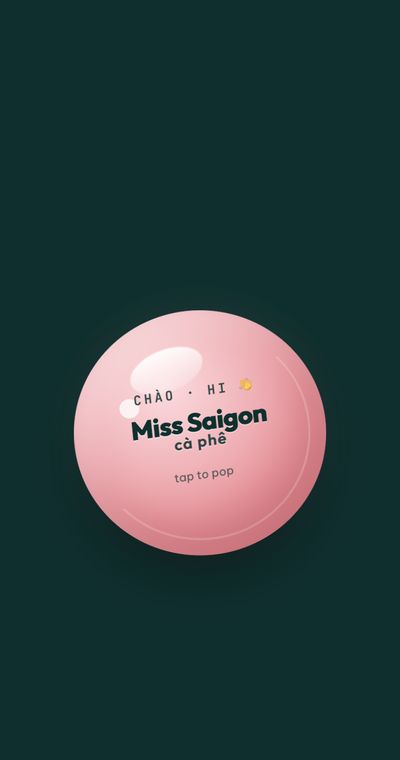
Menu names, prices and store details on the demos are placeholders until Jimmy's menu and the kiosk unit are confirmed.
Every cup is a sign-up
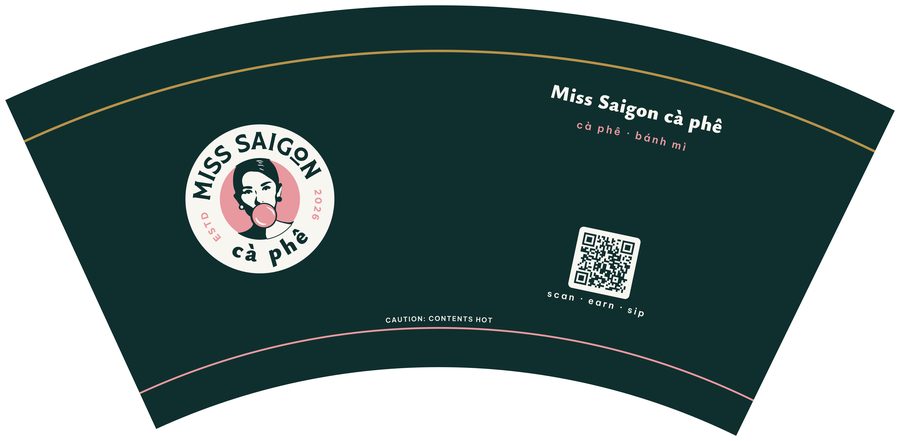
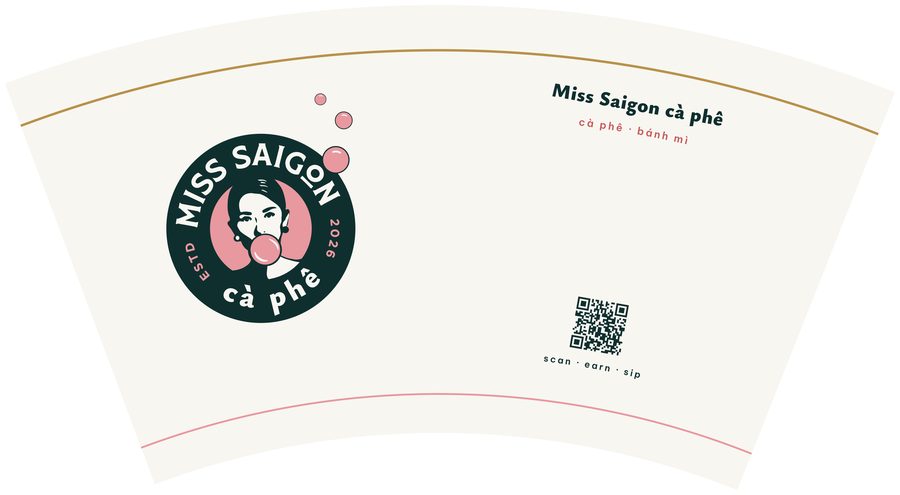
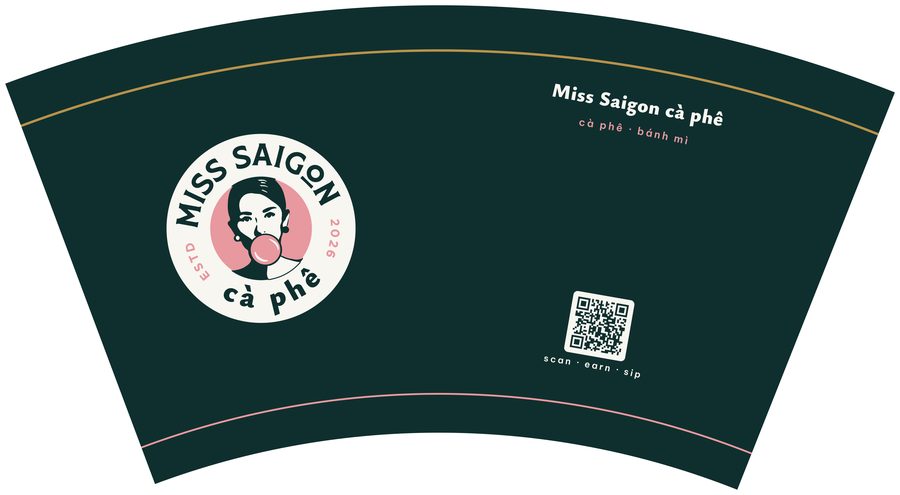
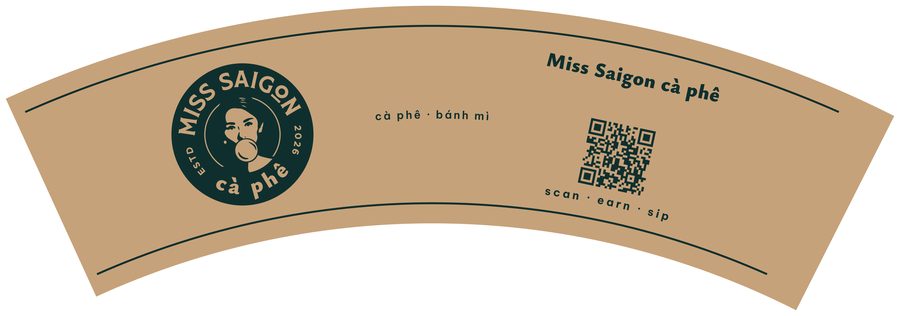
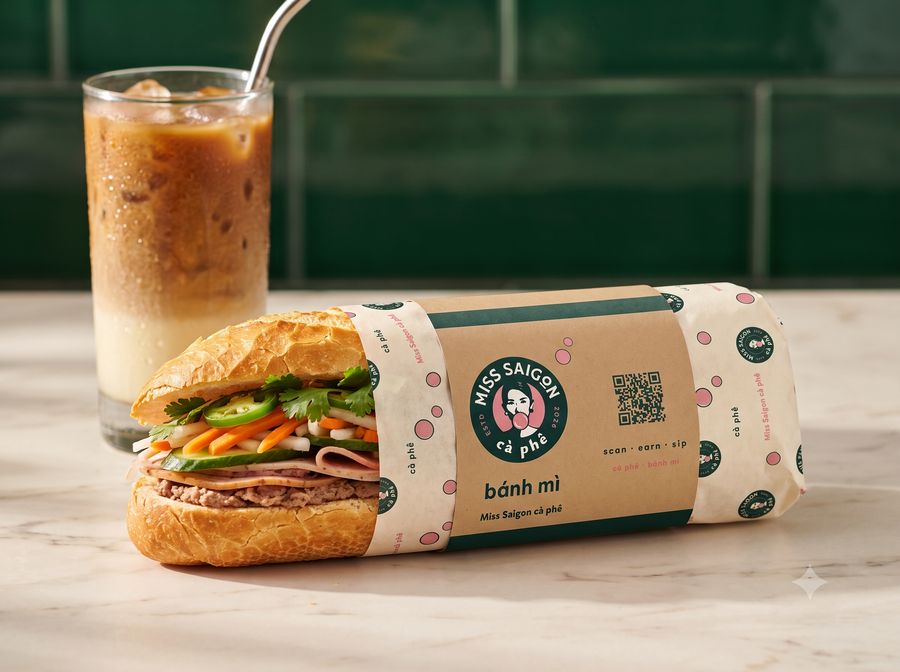
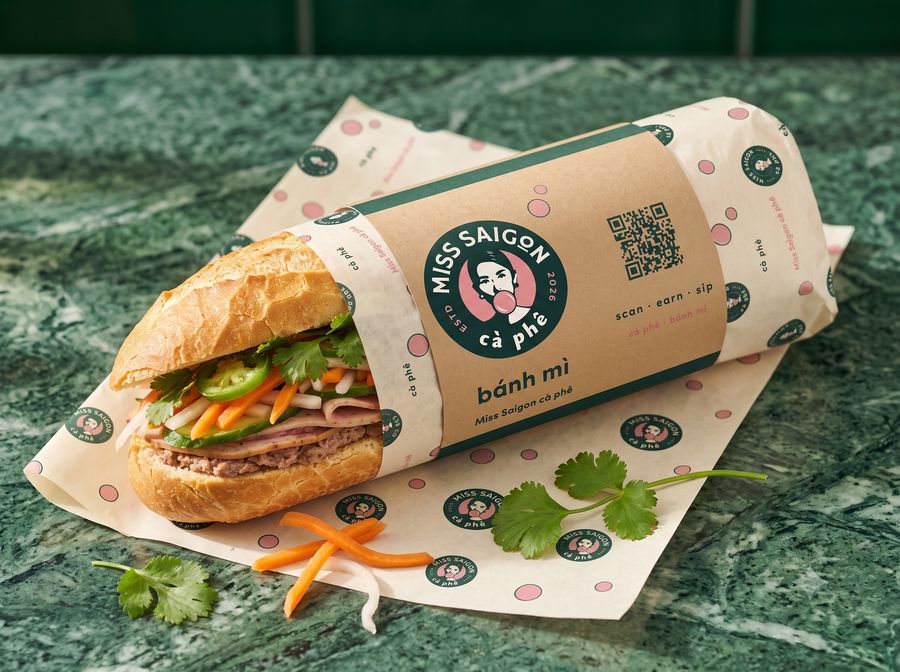
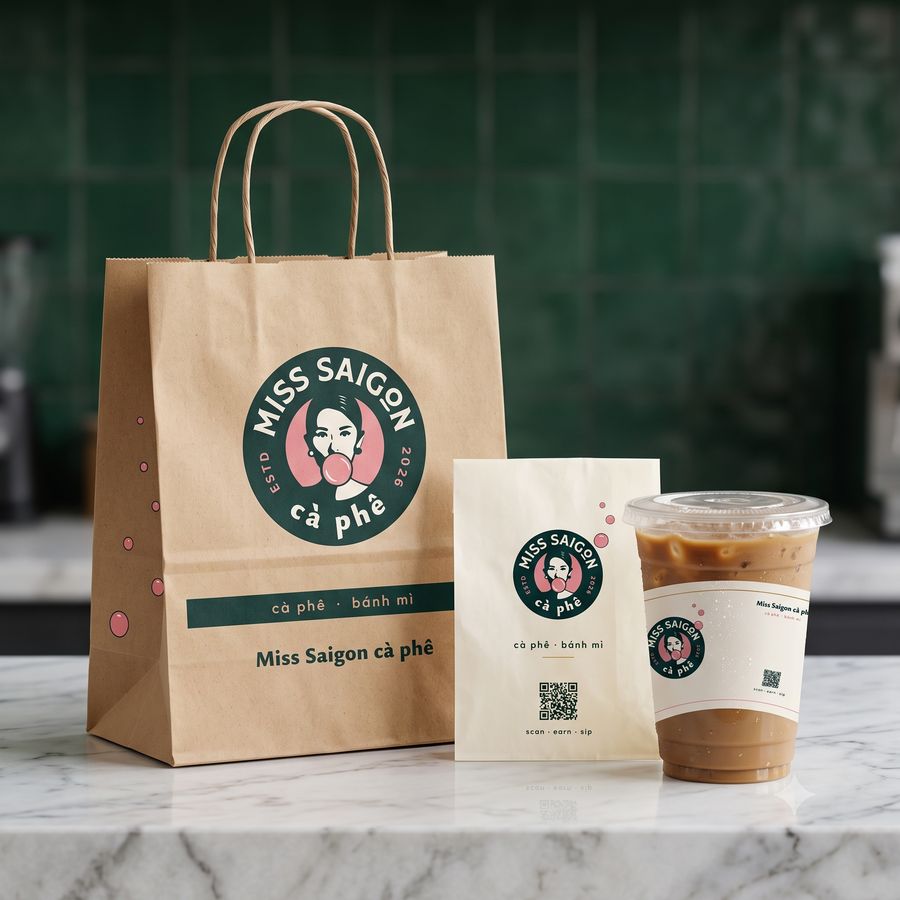
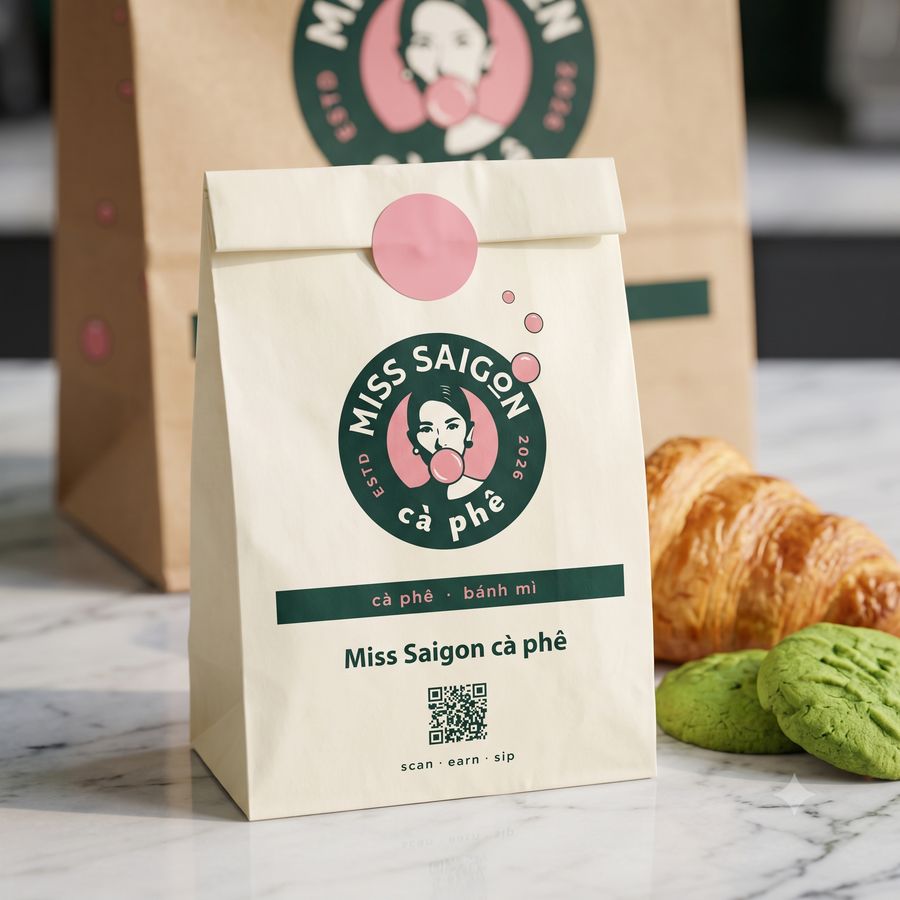
A kiosk has no dining room for a poster. The packaging walks round the mall, sits on desks and lands on Instagram — so every piece carries a membership QR.
Each code is unique to its piece and store, so after a month we know which piece brought in the members.
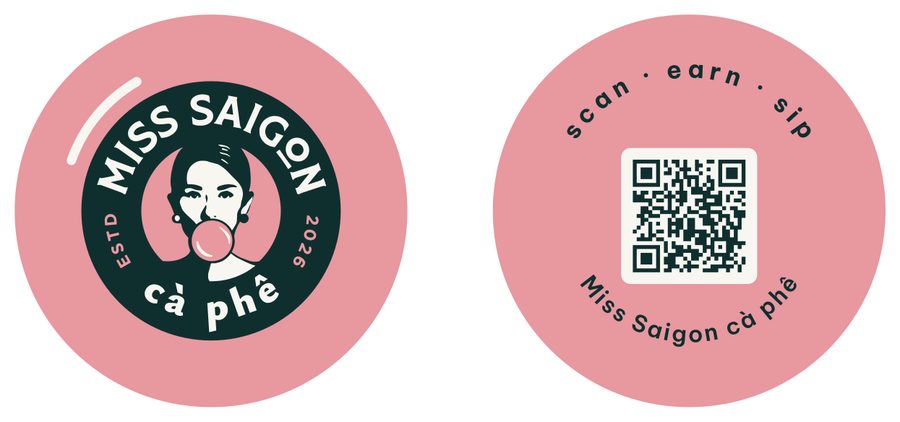
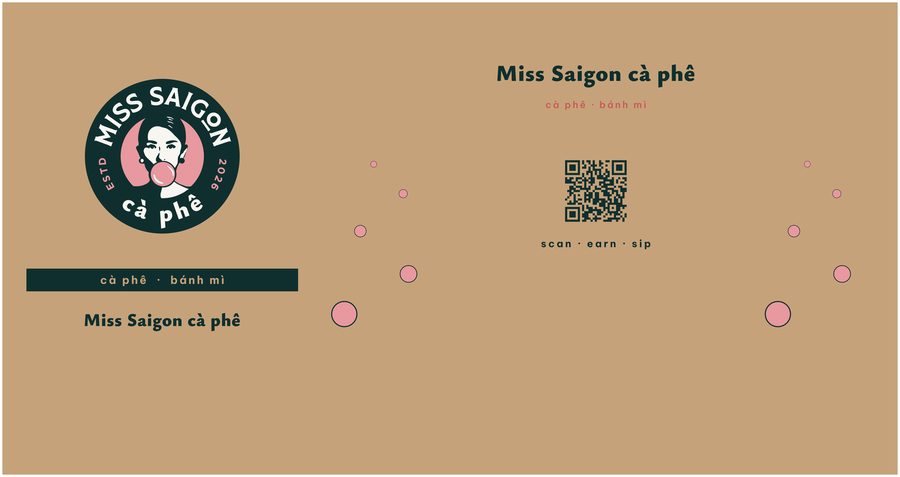
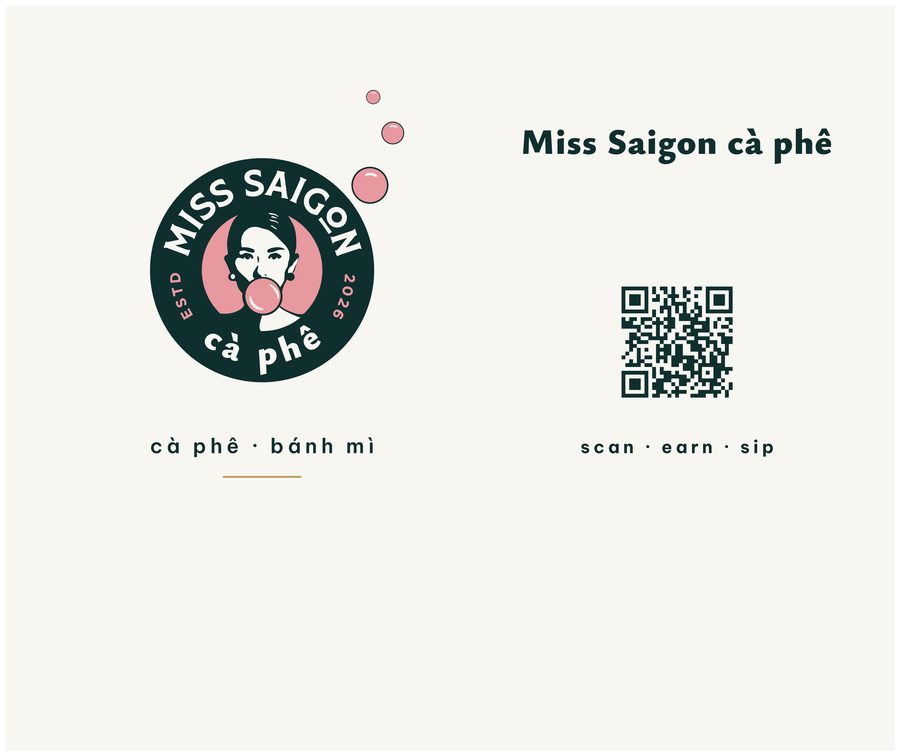
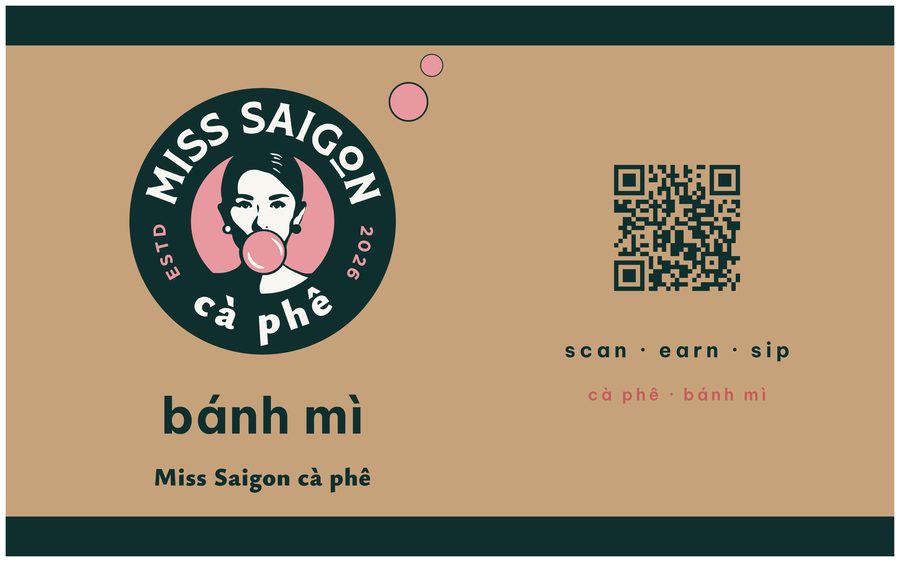
| Piece | What it is | Where the QR goes |
|---|---|---|
| Cups | 12 and 16 oz, hot and cold, badge on cream or green | Small code near the base, with "Join — free drink reward" |
| Cup sleeve | The main billboard; everyone holds it | Large, clear code — expected to be the top performer |
| Lid / straw sticker | Seal and brand moment on cold drinks | Optional small code |
| Paper bags | Kraft or cream carry bag, plus a small pastry bag | Side panel code with one line of copy |
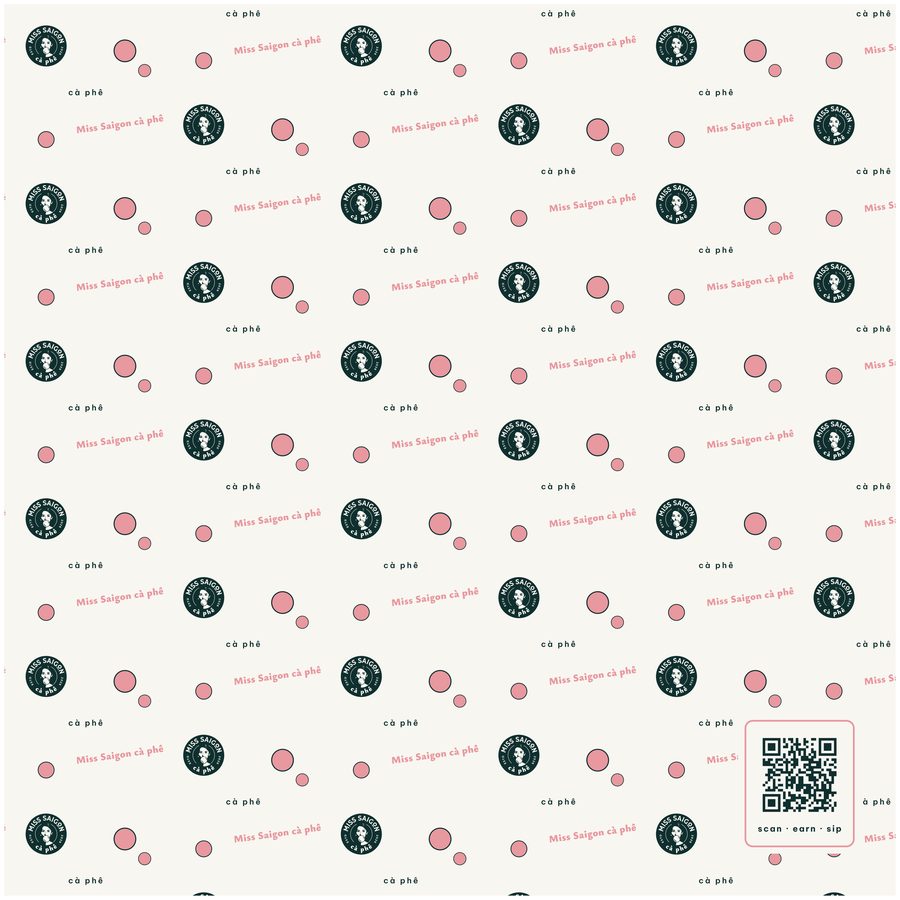
| Bánh mì wrap | Printed wrap sheet and baguette sleeve (David's request) | Repeated pattern with a code panel on the sleeve |
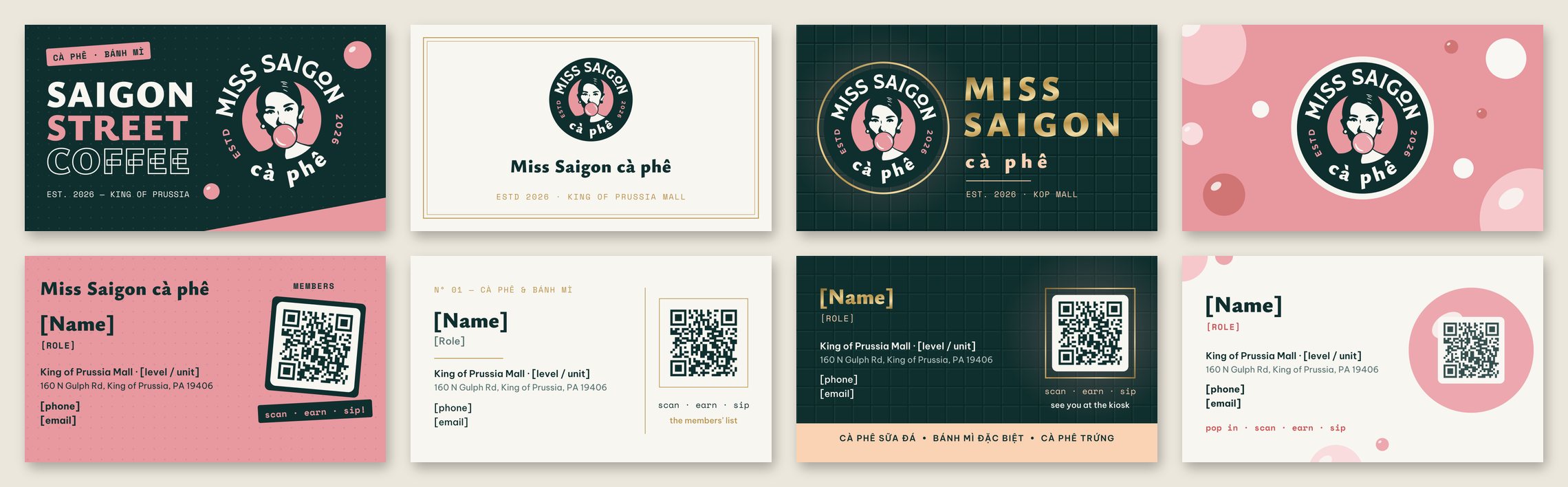
| Business card | 3.5 × 2 in, badge front, details back | Back of card |
| Counter card | Small stand at the till | Large code for people waiting in line |
First-scan reward. New members get a welcome reward on their first scan — the card is never empty on day one, and there is a reason to scan today, not "later".
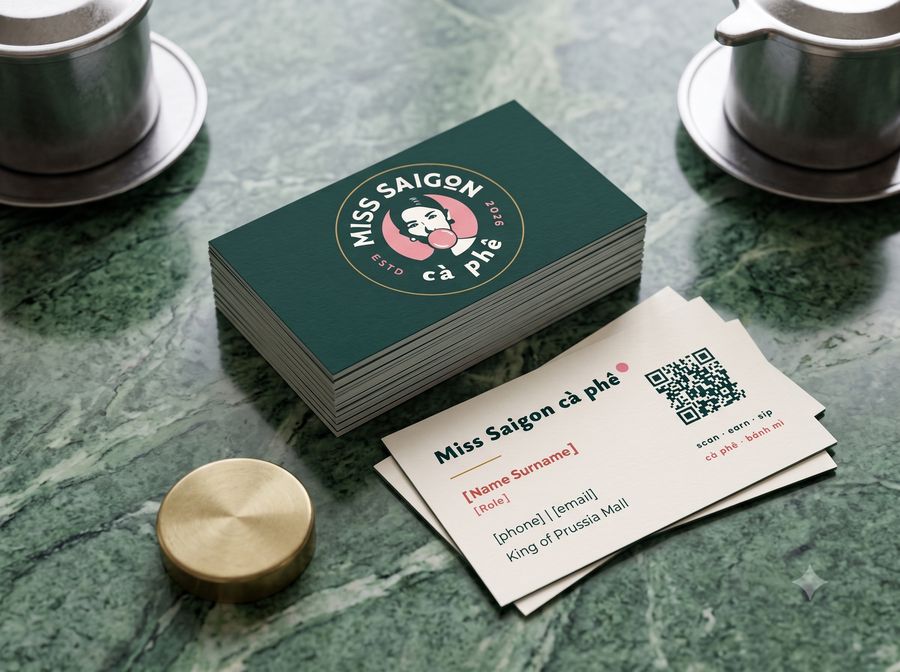
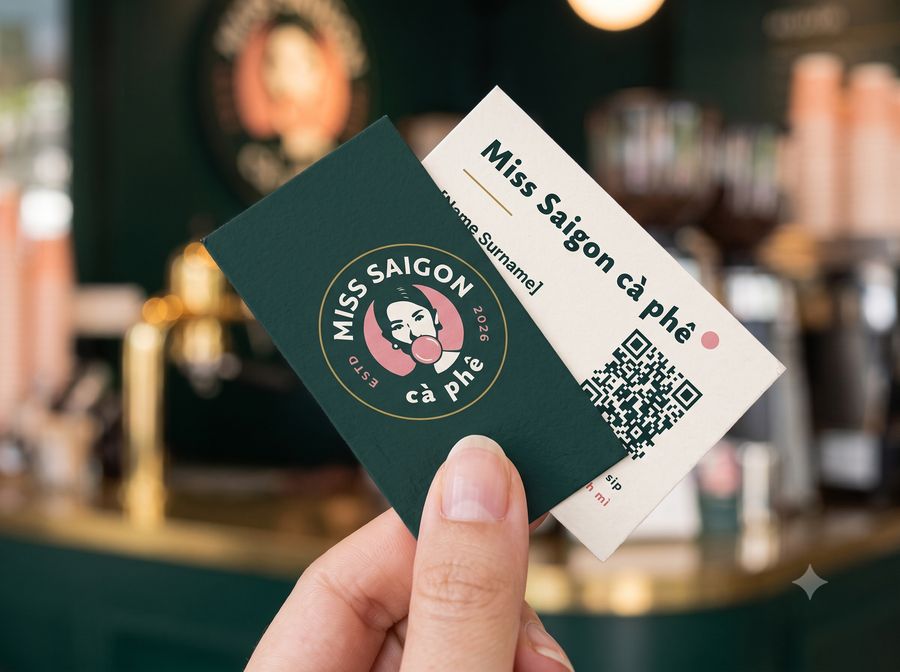
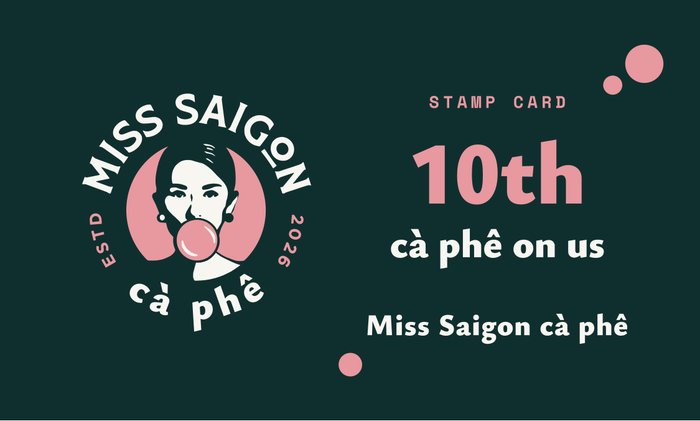
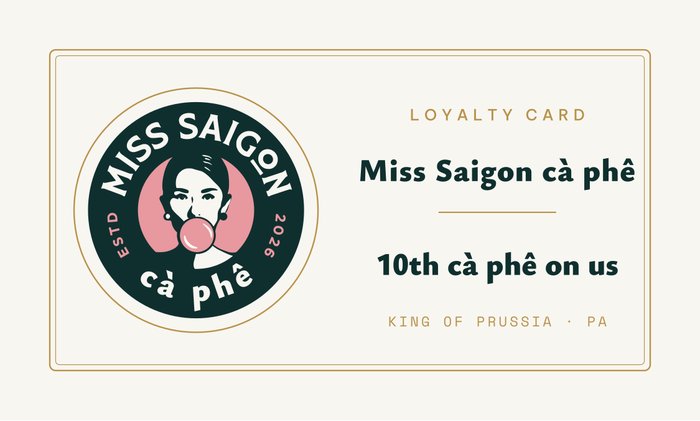
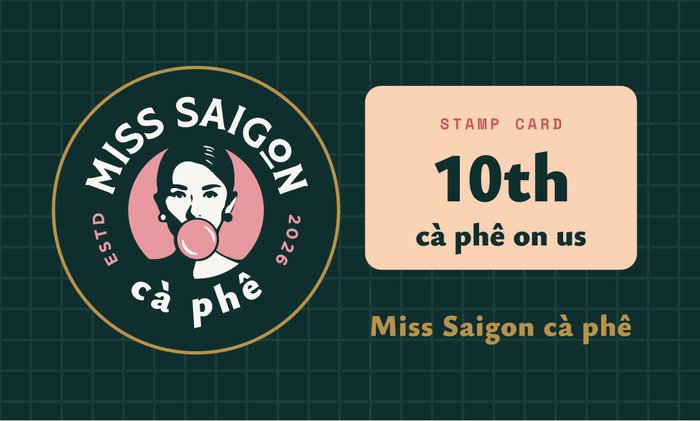
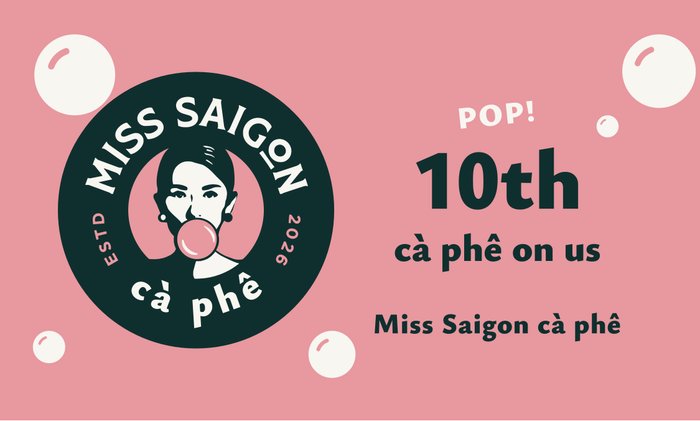
Business cards — one per direction
Printers need time, so packaging is the first thing to lock once David picks a direction (see the Phase plan).
A card in the phone, scanned at the counter
The customer keeps a card on their phone; staff scan it at every visit, recording the visit and spend for that store.
Joining — about 10 seconds
- Scan the QR on a cup, bag or wrap.
- Phone number + text code. No password, ever.
- Two separate, unticked boxes: text offers, email offers.
- The card appears, with Apple and Google Wallet buttons.
The card
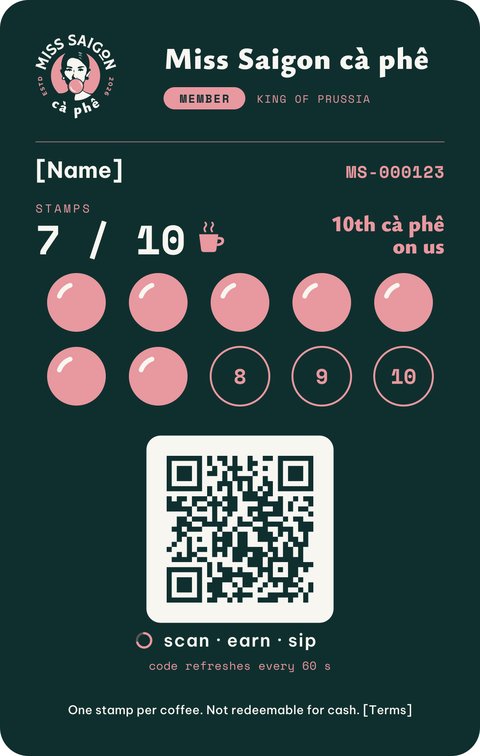
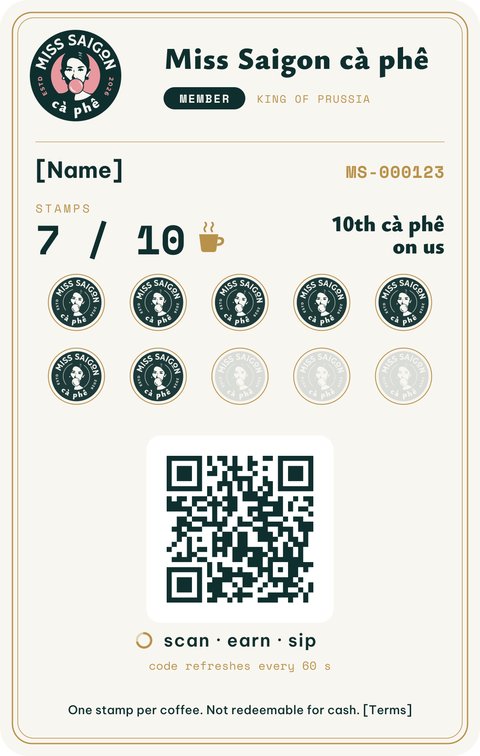
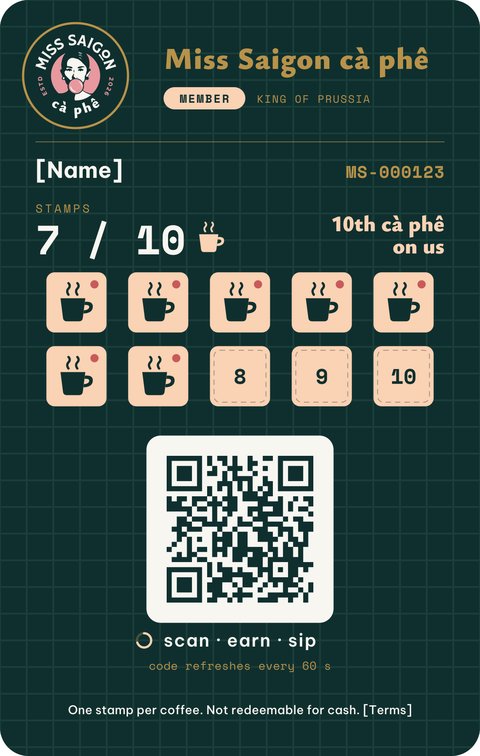
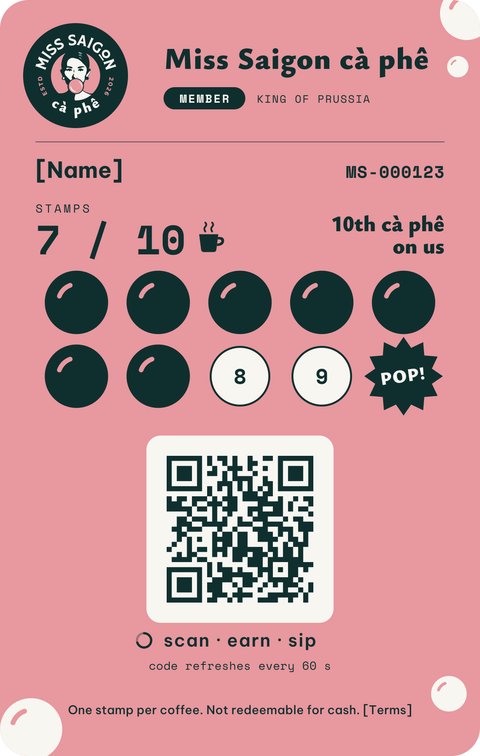
The badge, the member's name and number (e.g. MS-000123), their level and a scan code that changes every minute — so a screenshot of a friend's card stops working.
The member page
An app-like web page in English and Vietnamese: card, rewards, visit history, "your usual" one-tap reorder, a referral link and profile (birthday drink, consent, delete account).
Points or stamps — David's choice, changeable later
The system always records dollars and visits; what the customer sees is a setting:
| Option | Customer sees | Best for |
|---|---|---|
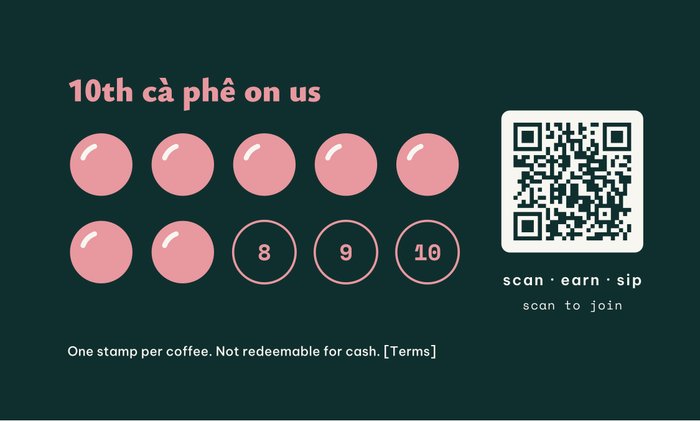
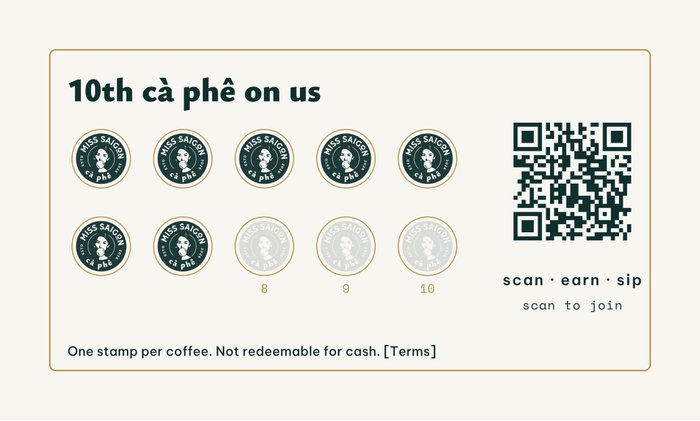
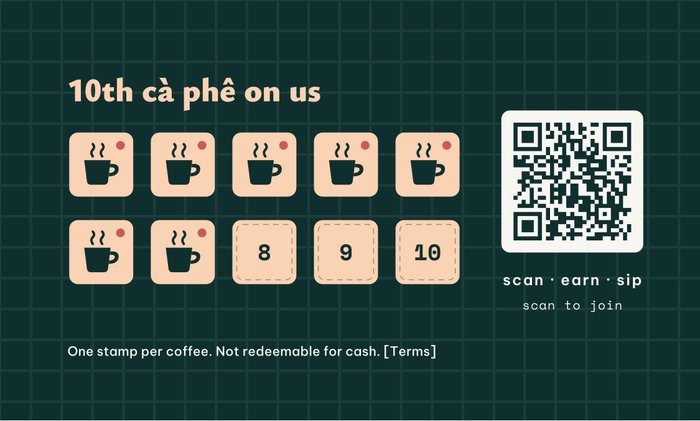
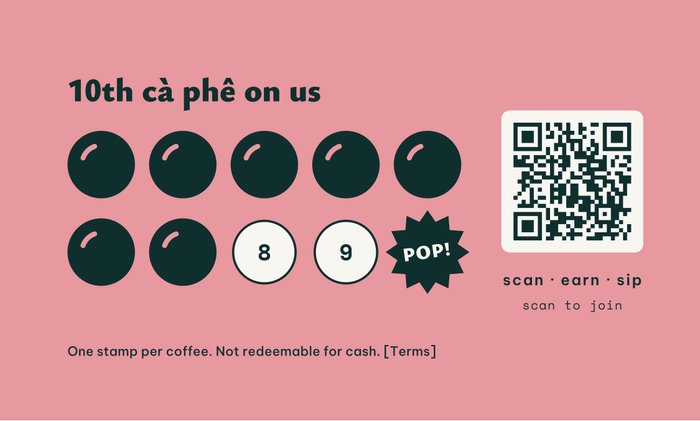
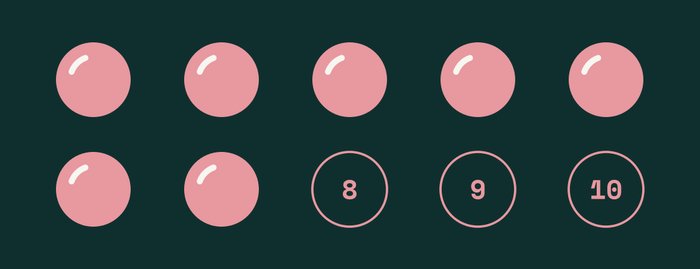
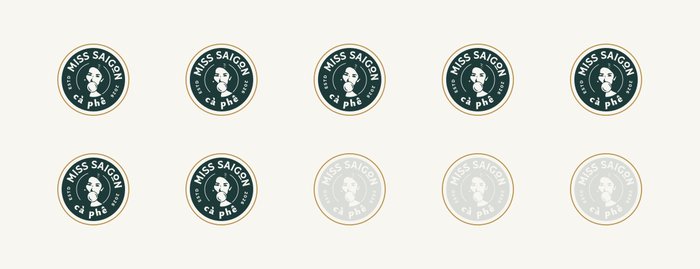
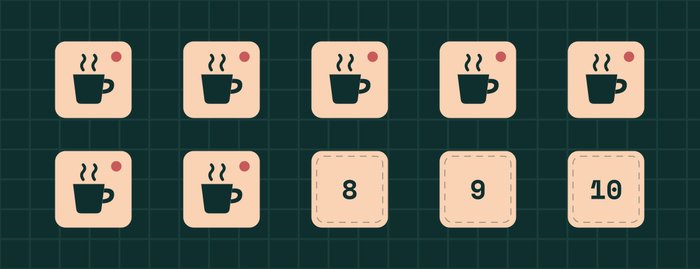
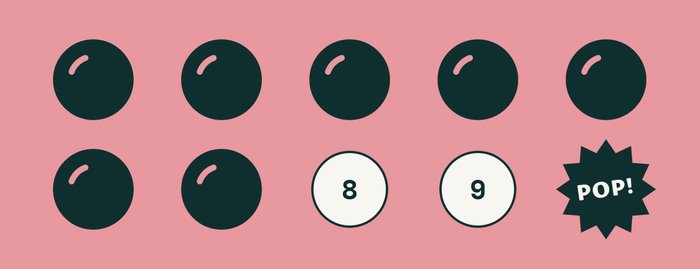
| Stamps | "7 / 10 ☕" — e.g. every 10th cà phê free | Easiest to explain at a busy kiosk; good for the Christmas launch. Our suggestion for opening. |
| Points | A points balance that unlocks rewards | Scales better once bowls, beans and more stores are added |
The history underneath is the same, so switching later loses nothing. For the opening rush, a paper stamp card with the same QR can be handed out and moved onto the phone later (manager approval required).
The scan — what staff do
Any phone or cheap tablet on the counter, logged in with a staff PIN. Point the camera at the code; the card pops up with any reward ready. Tap Earn or Redeem. Dead phone? Look them up by number (logged).
The rules live on the server: one earn per customer every couple of minutes, larger adjustments need a manager PIN, and every action records who, which device, which store — the rules a future franchisee inherits.
First release, and what waits
For 11/15
- Join by text code, rotating-code card
- Member page (card, rewards, history, profile)
- Google Wallet pass
- Staff scan screen
- Stamps or points setting, welcome reward
- Daily owner summary
Shortly after
- Apple Wallet pass (needs David's Apple Developer account — start now)
- Referrals
- Birthday and win-back messages (need a month of data)
- Connecting to a till system, once one is chosen
Order on our site, pick up at the kiosk
Order-ahead keeps the customer with the shop, not a delivery app, and spreads the lunch rush across a one-counter kiosk.
What the customer does
- Menu — English and Vietnamese names, sold-out items marked.
- Choose — size, hot/iced, sweetness, milk, protein, "no cilantro", "extra pâté".
- Pickup time — ASAP with an honest ready-time, or a later slot.
- Phone — same text-code login as membership; members skip it.
- Pay — card, Apple or Google Pay via Stripe, or "pay at counter" if David wants it for launch.
- Status — order number, live status page, a text when ready; membership credit added.
What staff see
One Orders screen on the same counter tablet as the scanner. New orders chime in, sorted by pickup time, with big Start · Ready · Picked up buttons. One tap marks an item sold out (running out of bread at 2 pm is a real daily event), pauses online orders in a rush, or lengthens the quoted wait.
The menu belongs to David and Jimmy
Items, options, prices, photos and availability ("breakfast bánh mì until 11") live in a simple admin; Jimmy's spreadsheet imports on day one. Each item is testing, core or retired, with 7- and 30-day sales beside it — so "cut what doesn't sell" is a decision made from numbers.
Protecting the kiosk
Each store sets prep time per category, orders per 15 minutes, and opening and holiday hours. Full slots close; out-of-hours orders get the next available time. A "big order" alert warns David before a 20-sandwich family order surprises the counter.
| At opening | Later |
|---|---|
| Web payments via Stripe | In-person card reader / till system that shares orders both ways |
| Our own order-ahead only | DoorDash / Uber Eats as extra marketing channels, fed from our menu |
| Pickup only | Delivery using a courier on our own checkout — we keep the customer |
| Hand-written or no bag label | Automatic label printer |
| One store | Store picker; brand menu with local price changes for each franchise |
Payments go straight to David's business account. Comercii never holds the shop's money.
One list, used carefully
Members and order-ahead customers land in one customer table: one row per person — visits, orders, spend and store.
Consent, done properly
US rules on marketing texts (the TCPA) are strict and the fines are real. Text and email consent stay separate, both unticked by default, with the exact wording and time recorded; every text includes a way to stop. "Your order is ready" is not marketing; promotions are.
Messages that bring people back
Each automation is switched on only after David approves it (first time, from Telegram), and only reaches opted-in people.
| Automation | When it fires | What it says (example) |
|---|---|---|
| Welcome | On joining | "Welcome to Miss Saigon cà phê — your first reward is waiting." |
| 14-day nudge | No visit for 14 days | "We miss you — your usual cà phê sữa đá is one tap away." |
| Weekend drop | Fridays, if David approves | A weekend special or limited item |
| Holiday hours | Before mall holiday changes | Opening hours and pickup reminders |
| Lunar New Year | Early February 2027 | A seasonal promotion for the core community |
| Birthday | Member's birthday | A birthday drink |
Wording, offers and timing are David's call. We draft; he approves; the system sends.
Run it from Telegram
David already lives in Telegram, so the shop's numbers and controls come to him there — not another dashboard.
Approve & sendEditCancel
Numbers shown as [n] — the real figures come from the shop once it is open.
The assistant
Answers plain questions ("new members this week?", "what sold worst?") and prepares actions. Anything that reaches customers or moves money needs one approval tap from David.
The daily digest
Each evening: orders, revenue, new members and scans, top and bottom items, sell-outs, prep time, unusually large orders.
Designed for store #2 from day one
David's goal is to franchise. That doesn't mean franchise software now — it means choices today that don't have to be undone later.
Every record knows its store
Customers, scans, orders and menu changes carry a location from day one, so store #2 is a new settings row, not a rebuild. Members scan at any store; each franchisee sees only their own customers; the list belongs to the brand.
The operating playbook, as a product
Jimmy's recipes and prep sheets, the electric-only equipment list, open/close checklists and suppliers — versioned in the admin, so a new store gets the current edition.
A brand-kit portal
Vector logo, colours and fonts, print files for cups, bags and wraps, and menu-board and social templates that fill in each location's details automatically.
Per-store profit and loss
Sales, food-cost percentage, best and worst sellers, per location — the page a franchise buyer asks for first.
Beans and drip sets
Jimmy's coffee farm makes own-brand beans and drip sets possible — retail at the counter and online, and a margin product franchisees buy through the brand. Name and packaging TBD.
Later, the brand's royalty can be taken automatically from each store's payments — another reason orders run through our own system.
Seven weeks to open, ninety days to learn
The order of work: (1) brand and packaging → (2) order-ahead and membership live by 11/15 → (3) automations and Telegram assistant in month one → (4) playbook, brand portal and P&L once the menu is stable.
To opening day
| Week of | Comercii | David & team |
|---|---|---|
| 28 Sep | Finalise brand system; packaging drafts with QR placement | Pick a website direction · Jimmy's menu arrives · start all lead-time items (§10) |
| 5 Oct | Packaging print files; site build on chosen direction; menu import from Jimmy's sheet | Approve packaging · confirm printer and quantities · unit and level |
| 12 Oct | Membership: join, card, scan screen, Google Wallet | Packaging to printer (confirm the printer's lead time) · Hanoi training (dates TBC) |
| 19 Oct | Order-ahead: menu, cart, pickup slots, Stripe payments, kiosk Orders screen | Stripe account verified · menu photos |
| 26 Oct | Text messages go live (once the number is approved); daily digest; testing | Counter tablet in hand · staff names for PINs |
| 2 Nov | Instagram launch kit; friends-and-family test orders and scans | Friends-and-family run · pickup signage at the kiosk |
| 9 Nov | Fixes from the test; final checks on the counter setup | Dress rehearsal with real staff |
| 15 Nov | Opening day — order-ahead and membership live | |
The first 90 days
| Period | Focus |
|---|---|
| Month 1 15 Nov – 15 Dec | Telegram assistant live · welcome flow · holiday hours messages for the Christmas season · Apple Wallet pass once David's account is approved · watch which packaging pieces bring in members |
| Month 2 15 Dec – 15 Jan | 14-day nudge and weekend drop switched on · birthday drinks · first "what sells" review with Jimmy · referrals |
| Month 3 15 Jan – 15 Feb | Lunar New Year promotion · operating playbook v1 · brand-kit portal · per-store P&L dashboard · first menu cut decisions from 60–90 days of data |
Not yet — on purpose
A native app · table booking · a kitchen display · a multi-store admin before 90 days of store #1 data. Google Business Profile and reviews are deferred at David's call. Each is cheaper to add once the first store is running.
Start these this week
Several items need days or weeks of third-party approval. They are the most likely thing to delay opening, so start them now.
| Item | Why | Lead time |
|---|---|---|
| Business text number | Sign-up codes, "order ready" texts and promotions. US carriers require business registration (10DLC). | ~1–2 weeks |
| Stripe account | Online payments, paid straight to the business | Verification can take days |
| Apple Developer account | Apple Wallet membership pass, in the business's name | Days; can launch without it |
| Domain name | Website, order-ahead and member pages | Same day once chosen |
| Jimmy's menu + photos | Items, options, prices and pictures for ordering | Menu due 28 Sep |
| Counter tablet | Scanner and Orders screen (any iPad or Android; we can suggest one) | Needed by late Oct |
| Mall pickup instructions | Entrance, level, where to find the kiosk | Before testing |
| Sales-tax jurisdiction | Correct tax on online orders | Confirm with accountant |
Decisions for David
- Which website direction (A, B, C, D or D2).
- Stamps or points at opening, and the launch reward list (we suggest: stamps, every 10th cà phê free, plus a welcome reward).
- Pay-at-counter allowed for order-ahead during the launch, or card only.
- Tips on online orders: on or off.
- Largest order we accept online (e.g. a cap on bánh mì per order) versus "call us for catering".
- Instagram: a new handle, or does anything carry over from the restaurant.
- Who runs the counter at launch (for staff PINs).
Investment
We will send a quote once David has confirmed the scope and the launch decisions above. Third-party running costs (text messages, card processing, Apple Developer membership, printing) are paid by the business directly and will be listed in the quote.
Open questions
- Unit and level at King of Prussia Mall — for pickup instructions and signage. (Hours follow the mall; verify before print.)
- Logo vector file — we have rebuilt the badge as a vector for print. Does the designer have the original AI/SVG to check it against?
- The badge lettering — the supplied badge read "CÁ PHÊ"; v2 now reads lowercase "cà phê" to match the name. Is the designer happy to sign off v2, or supply their own update?
- The Philly restaurant — ever share membership or order-ahead, or stay fully separate? (Either works.)
- Bread — when can packaging and the site say "own-baked"? Not until it is true.
- Bean brand name — "Miss Saigon Roast", Jimmy's farm name, or something new?
- Terms and privacy — a one-page terms and privacy notice for membership, including a minimum age.
- Online bean sales — should members earn on web orders too? (We recommend yes.)
Next steps
- David reviews the five website directions and picks one.
- David starts the lead-time items — text number, Stripe, Apple Developer, domain — this week.
- Jimmy shares the phase-1 menu (due 28 Sep) as a spreadsheet, with photos where available.
- Comercii sends packaging drafts with QR placement, and a quote for the scope in this plan.
- Together, a short call to settle the decisions in §10 and the open questions above.